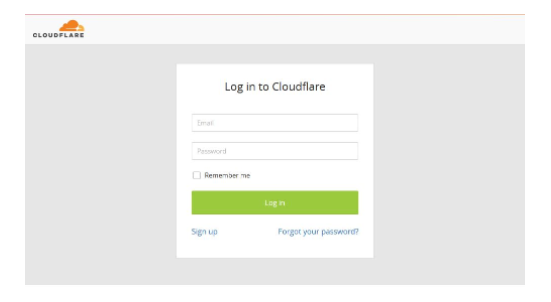
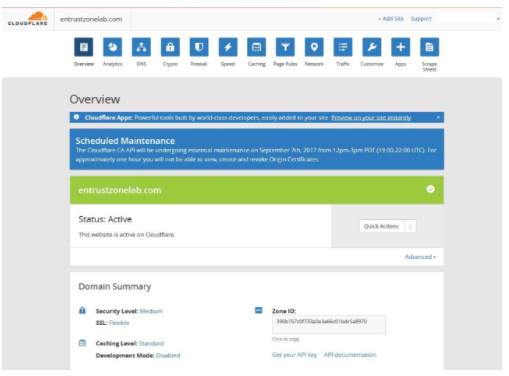
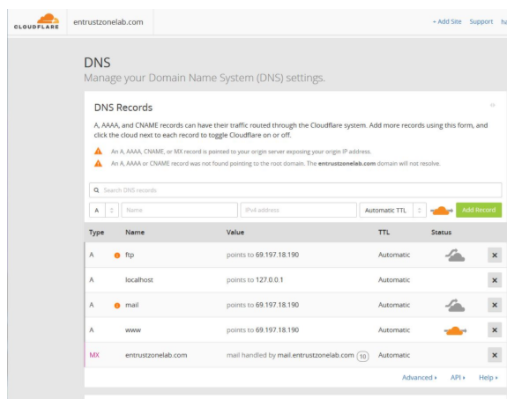
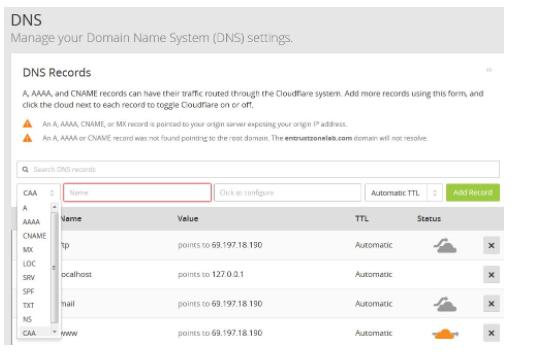
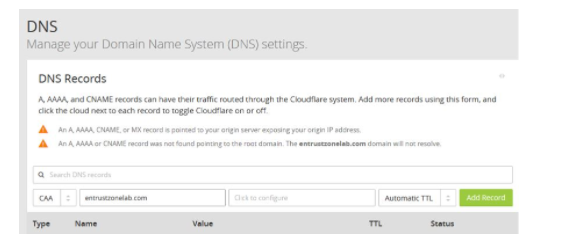
How to add Certification Authority Authorization record in CloudFlare? Login into your CloudFlare account. Select the DNS icon and start adding your CAA records by selecting CAA in the drop down box menu. Input the values shown below to add your certificate values :Name Field :TagValue Click on save and add record. Updated on February 8, 2019 Was this article helpful? Yes No